
Pulse
Every site, at a glance.
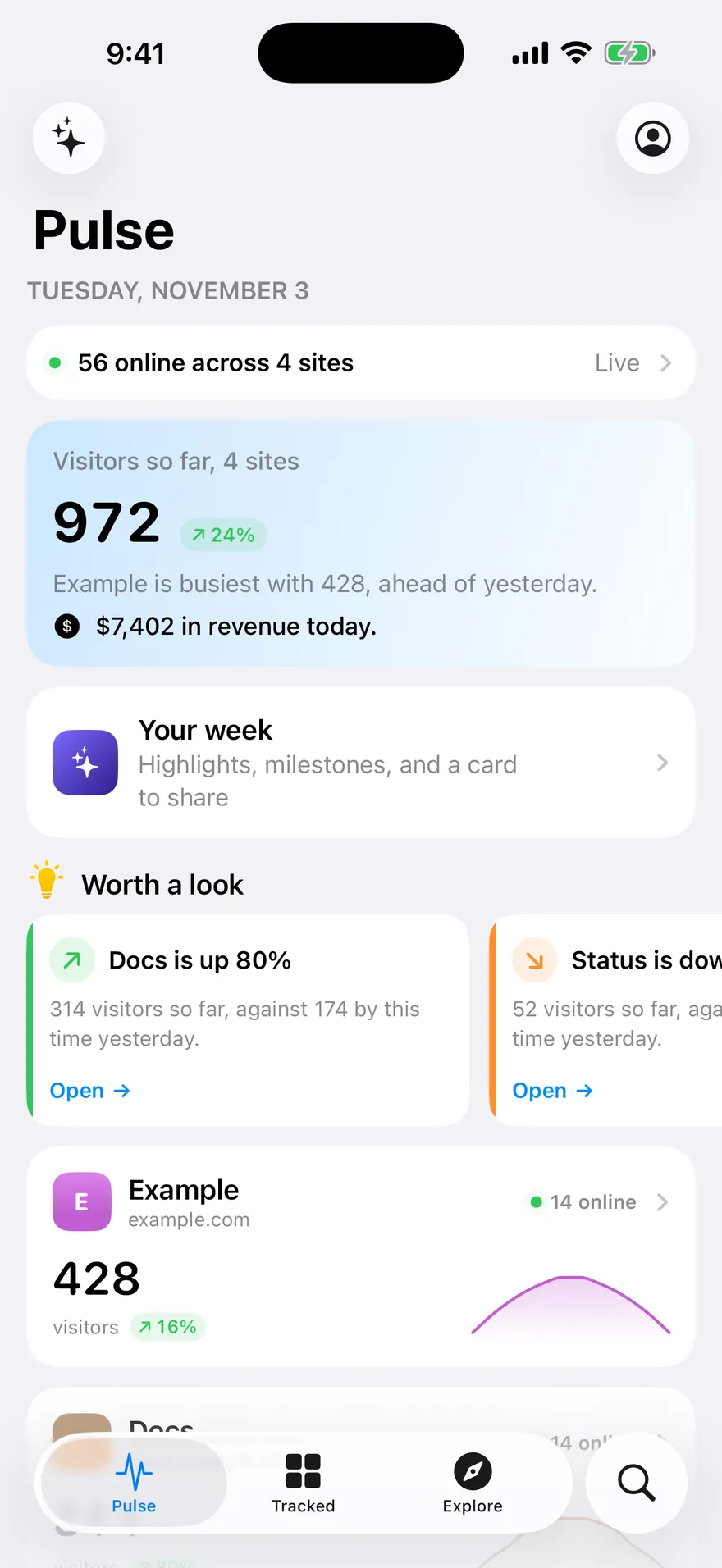
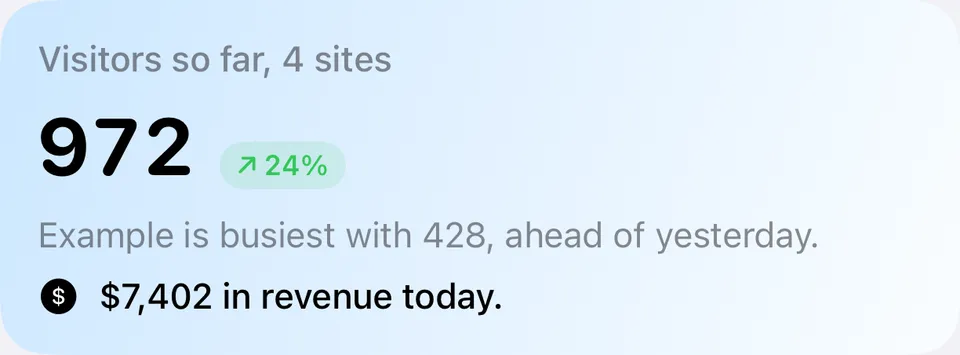
Pulse opens on who’s online across all your sites and how each one compares with yesterday at the same time, with a short note on what’s worth a look.
Umami analytics for iPhone and iPad
Savor is a native iPhone and iPad app for Umami web analytics. See who’s on your sites right now, what changed since yesterday, and which pages people are reading, without opening a laptop.
Works with Umami Cloud and self-hosted Umami 2.x and 3.x.

On the App Store · Free to download
Inside the app
Pulse
Pulse opens on who’s online across all your sites and how each one compares with yesterday at the same time, with a short note on what’s worth a look.
Dashboards
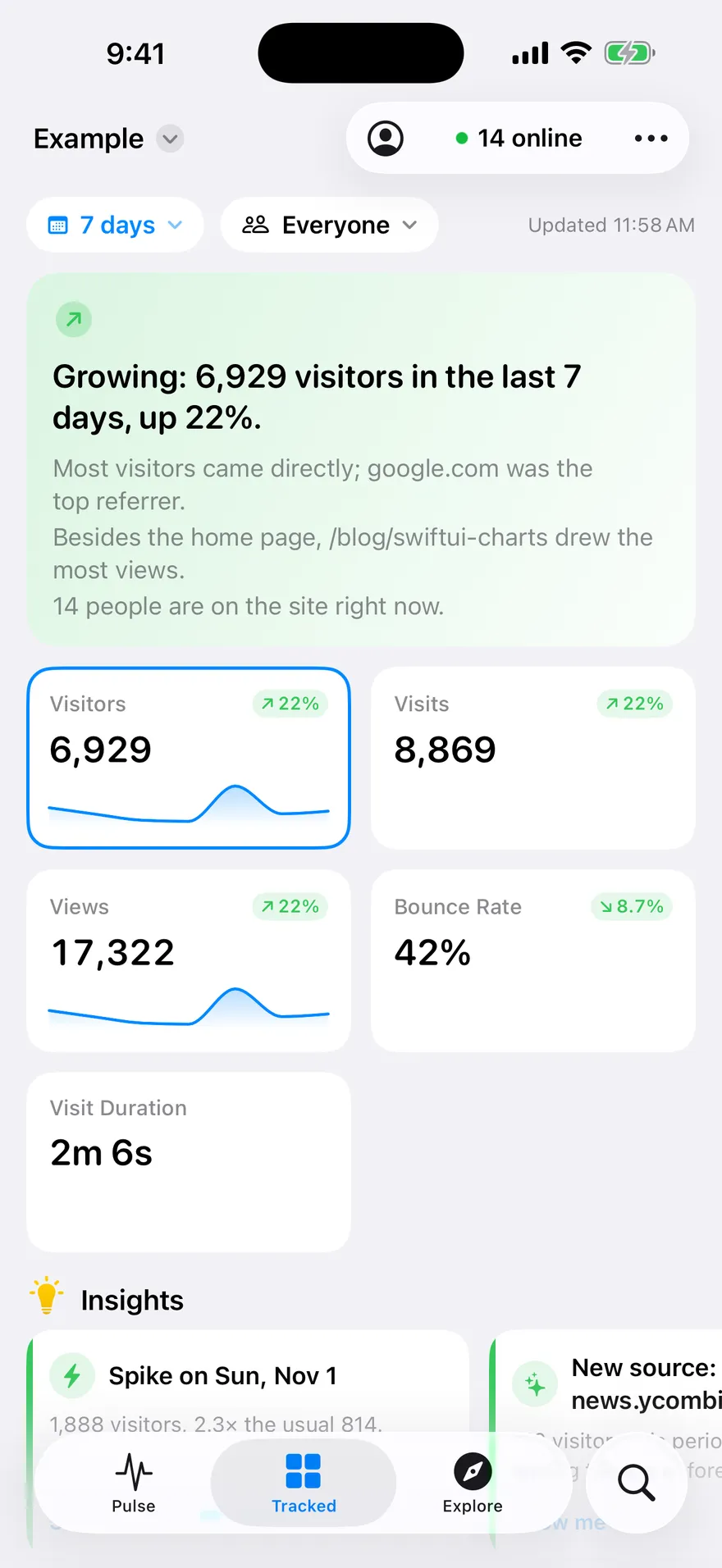
Each site starts with a plain-language summary, then metric cards with sparklines, a chart against the previous period, and every breakdown Umami has, grouped into cards.
Explore
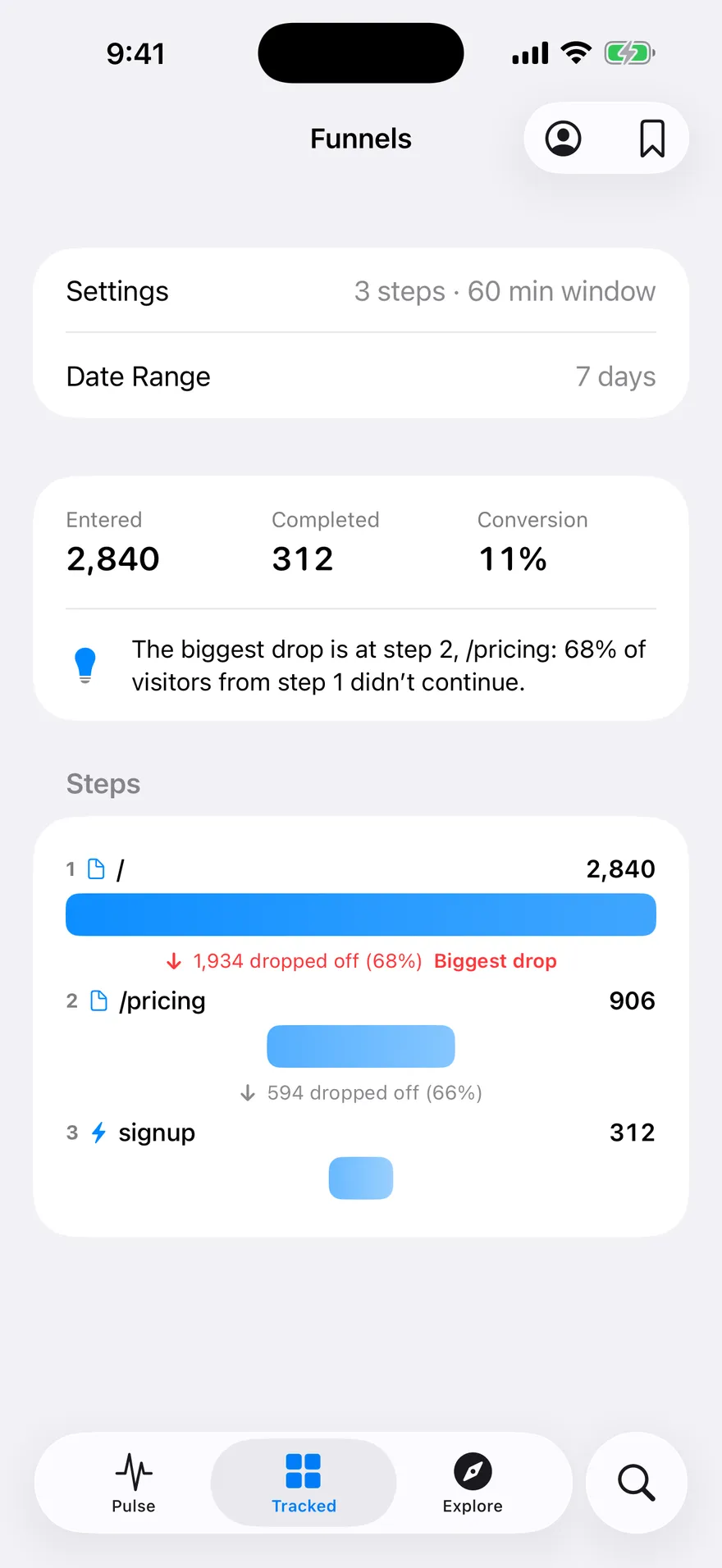
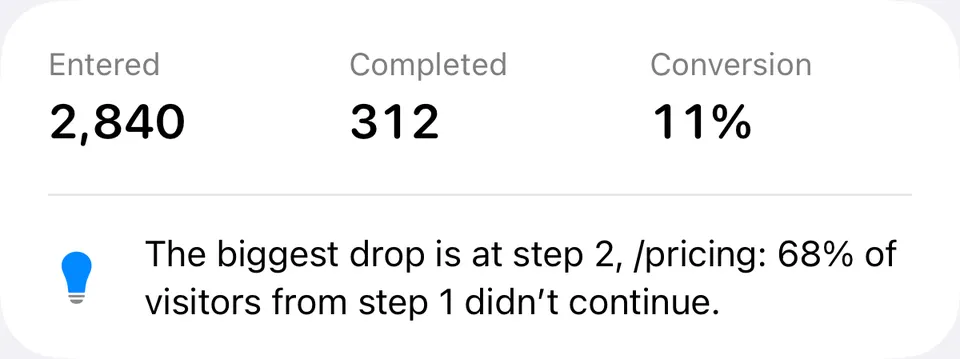
Explore turns questions like “Where do people drop off?” into the matching report. Funnels flag the biggest drop, and goals and journeys are drawn so they read at a glance. Goals and funnels are part of Pro.
Live
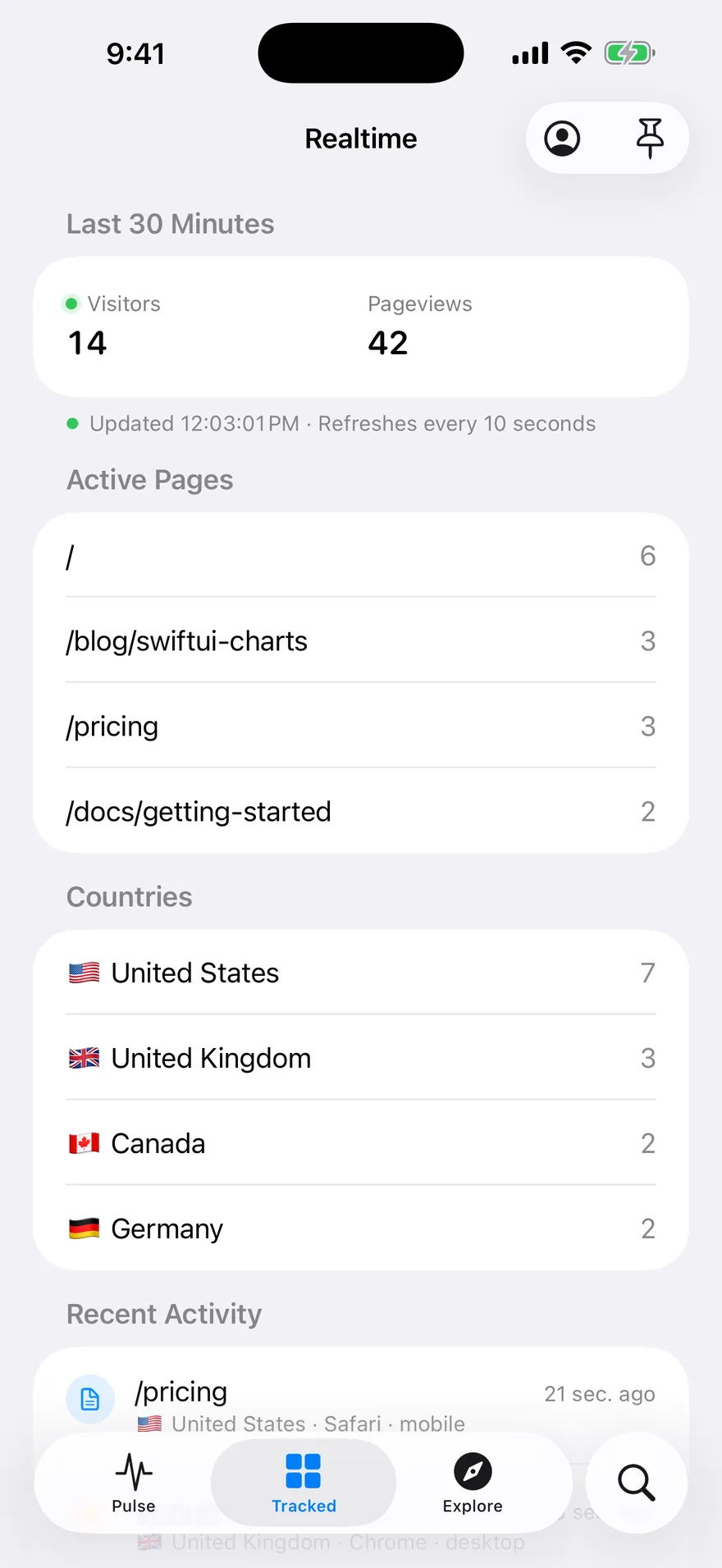
Live shows visitors, active pages, countries and recent activity, refreshing every ten seconds. With Pro, a Live Activity keeps the count on your Lock Screen and in the Dynamic Island.
Savor checks your sites in the background and lets you know when visitors drop or a site goes quiet. Pro adds spike alerts, sales alerts and a morning briefing.
Connect Umami Cloud with an API key, or your own Umami 2.x or 3.x server with a sign-in or API key. Add as many connections as you like, and switch between them in a tap.
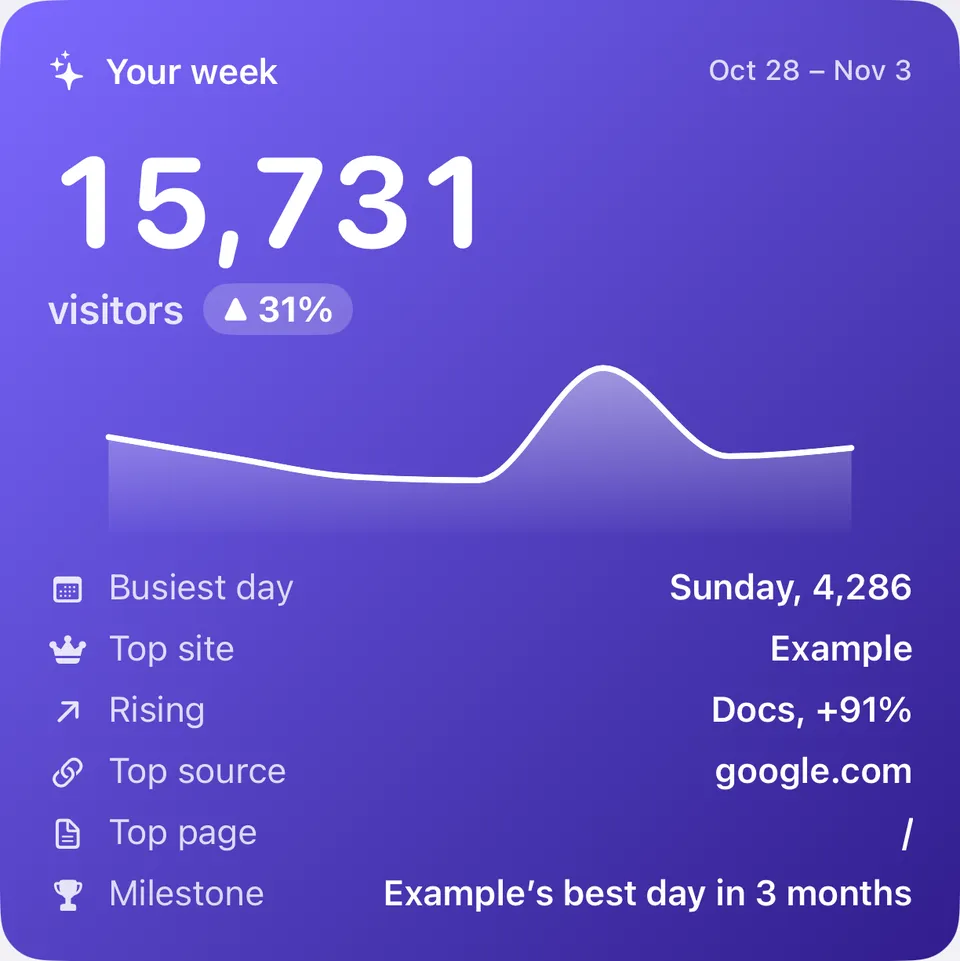
A weekly recap on Pulse shows your busiest day, top site, what’s rising and any milestones, with a card you can share.
Savor talks only to the Umami servers you add. Keys and sign-ins stay in the iOS Keychain. No Mendia account, no ads, no tracking. Apple and RevenueCat handle the Pro purchase.
Free & Pro
Savor is free to download, with one optional Pro unlock. Savor Pro is a one-time purchase of $9.99. No subscription, and Family Sharing is included. Apple shows the price in your currency before you buy.
Everything you need to check in.
Let Savor keep an eye on your sites and your sales.
Try every Pro feature in the demo first.
Tap Try the Demo on Pulse to explore sample websites with everything unlocked. It runs on your device, and it goes away when you connect your own server.
Questions
Something else? Savor support covers connecting your server, alerts, widgets, and restoring Pro.
Savor shows the numbers from your Umami Cloud account or your own Umami server, so you’ll need one for real data. To look around first, tap Try the Demo on Pulse: it runs on your device with sample websites and every Pro feature open.
Umami Cloud and self-hosted Umami 2.x and 3.x. Links, pixels, boards, audiences and some reports need the Umami version that introduced them. Savor hides what your server doesn’t support.
Nowhere but your device. Savor talks only to the Umami servers you add. Your API keys and sign-in tokens are kept in the iOS Keychain, and there’s no Mendia account, no ads, and no analytics in the app. Apple and RevenueCat handle the Pro purchase.
In the US, Savor Pro is a one-time purchase of $9.99, with no subscription, and Family Sharing is included. The free version keeps working without it. Apple shows the price in your currency before you buy.
Yes. Savor is one app for iPhone and iPad, and it needs iOS 17 or later.
No. Savor is an independent app made by Mendia and isn’t affiliated with Umami Software, Inc.

Free on the App Store for iPhone and iPad.