
Set up
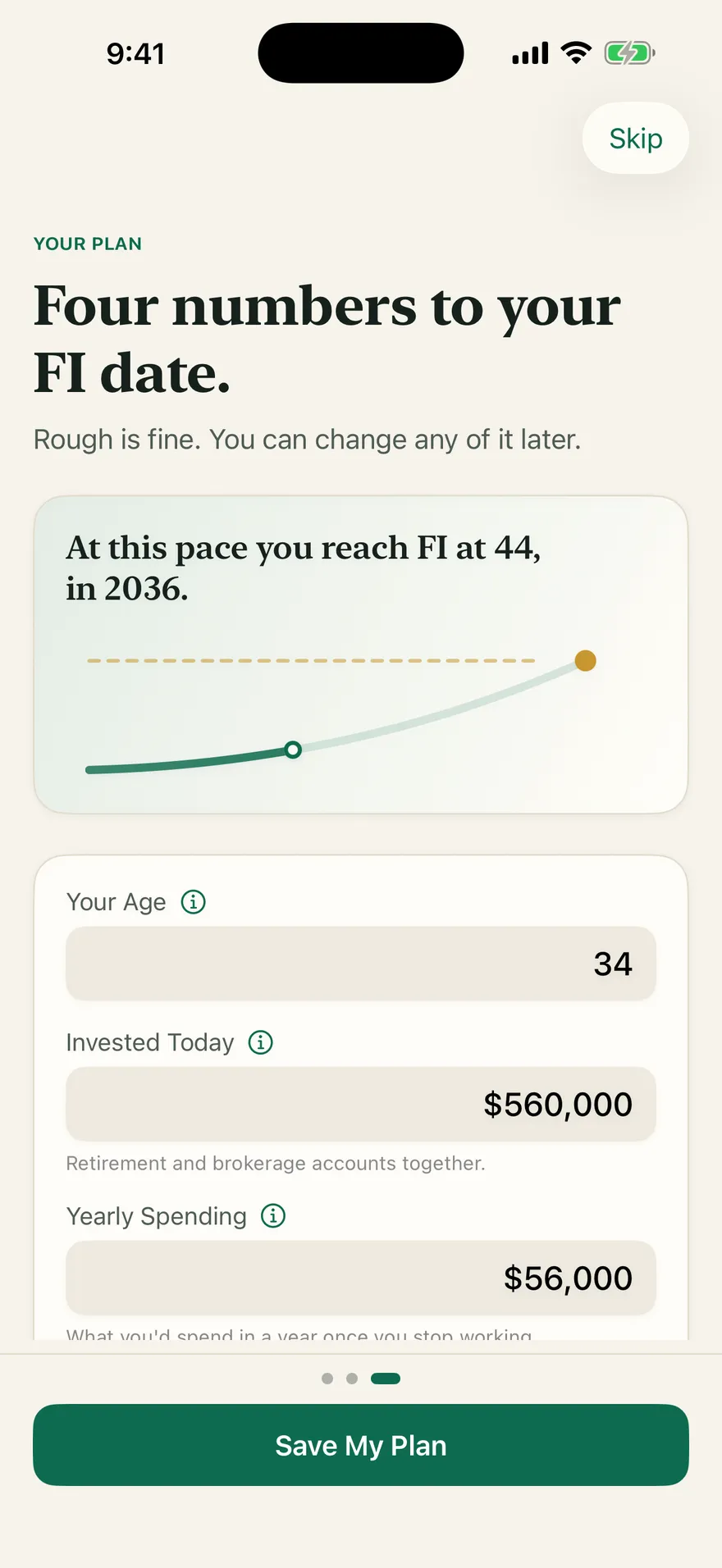
Four numbers. Your FI date.
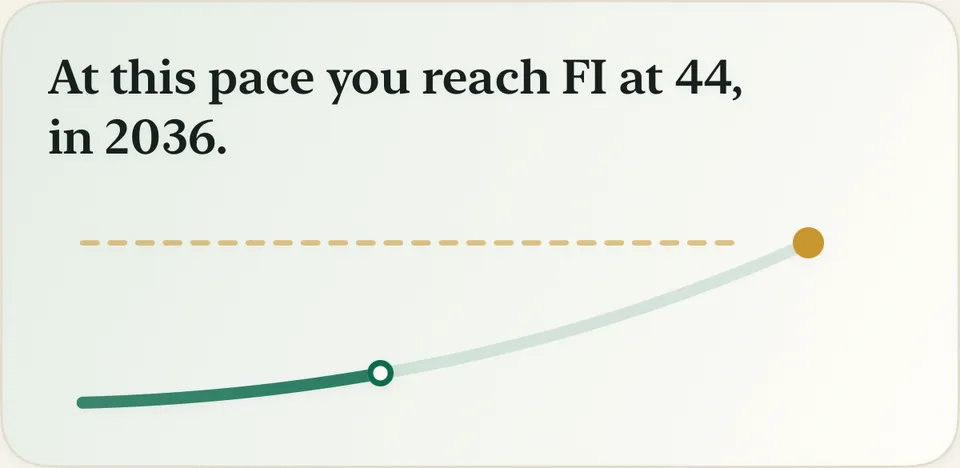
Enter your age, what you have invested, what you spend, and what you invest each year. Money Tools tells you when work becomes optional, draws the path there, and names the lever that would move it most.
Private FIRE plans & tools
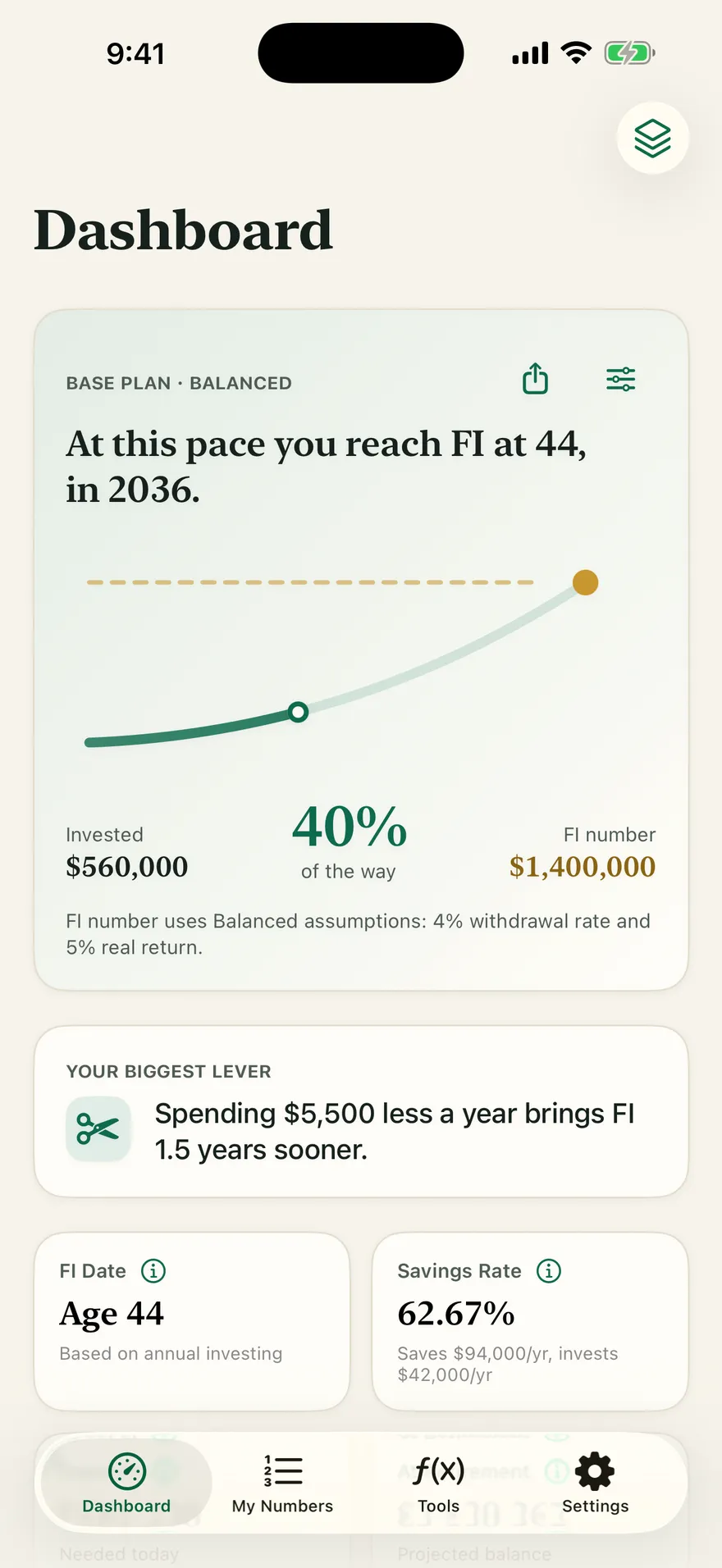
Money Tools is a private financial independence planner for iPhone and iPad. Four numbers become your FI date, every tool works from the same plan, and a short monthly review shows what moved it.
No account, no bank logins, no subscription.
Coming soon to the App Store
Waiting on App Review · Free to download

Inside the app
Set up
Enter your age, what you have invested, what you spend, and what you invest each year. Money Tools tells you when work becomes optional, draws the path there, and names the lever that would move it most.
Tools
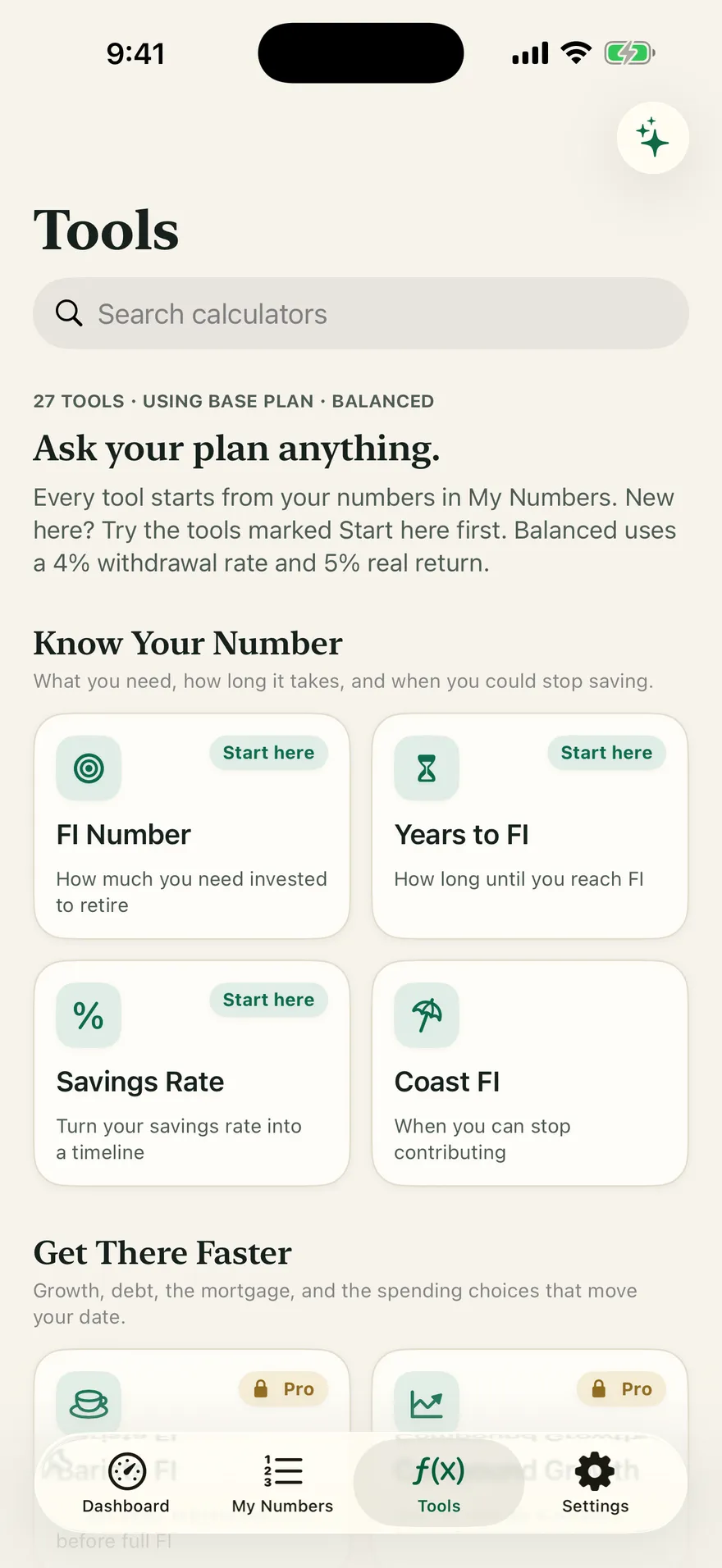
Every calculator starts from your active plan. Change a number to try a what-if, and save it back only when you want to. Your numbers live in one place, so nothing drifts out of date.
Stress test
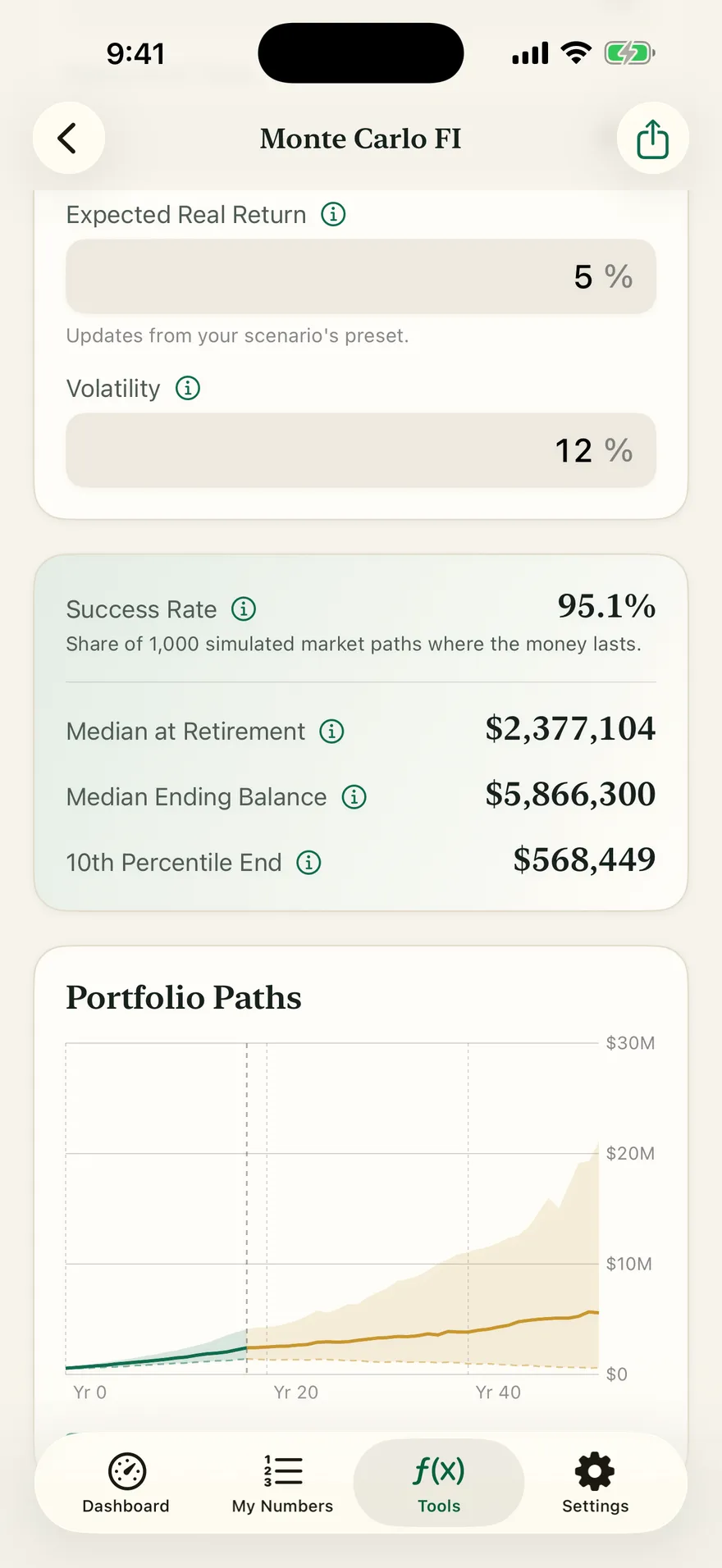
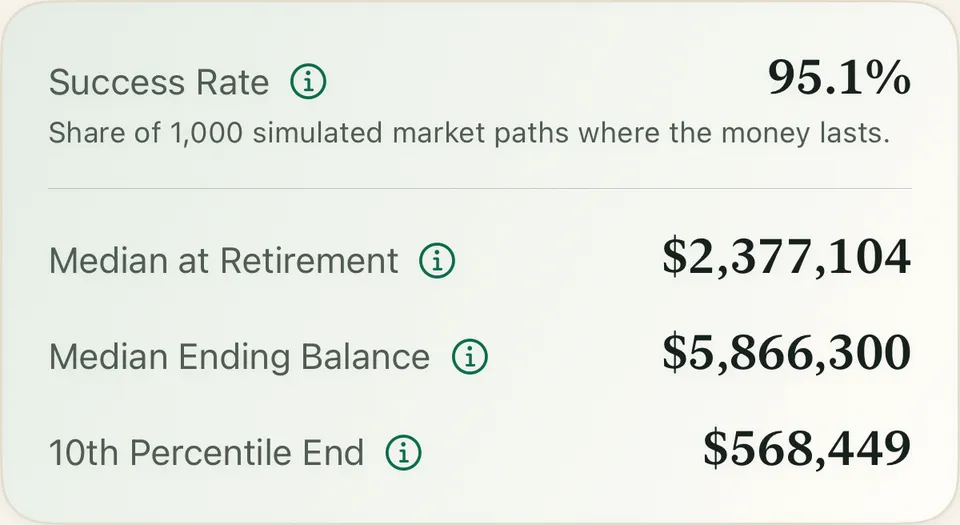
Shock tests show what a job loss, a pay cut, or a market drop would do. Monte Carlo FI runs 1,000 market paths, next to a Roth conversion ladder and a drawdown planner.
Check in
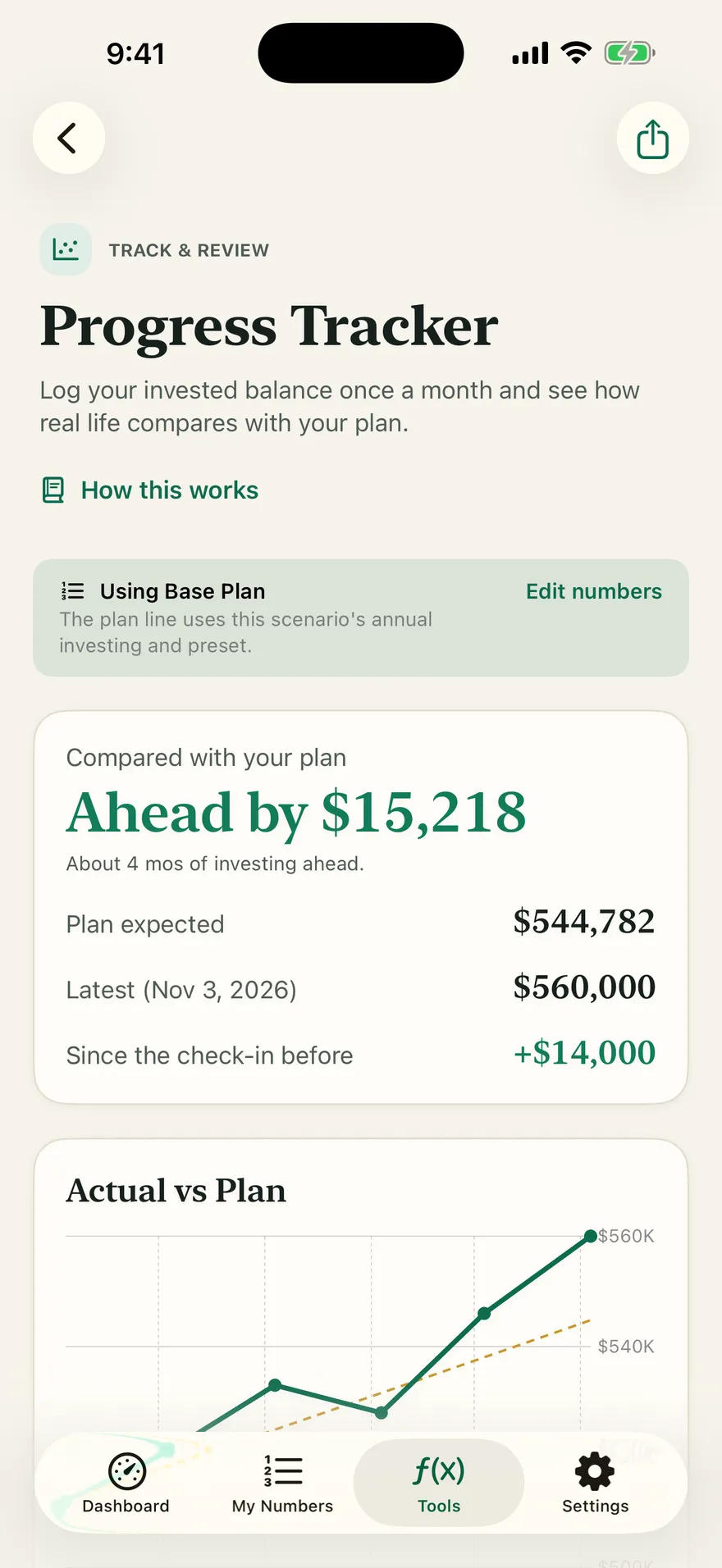
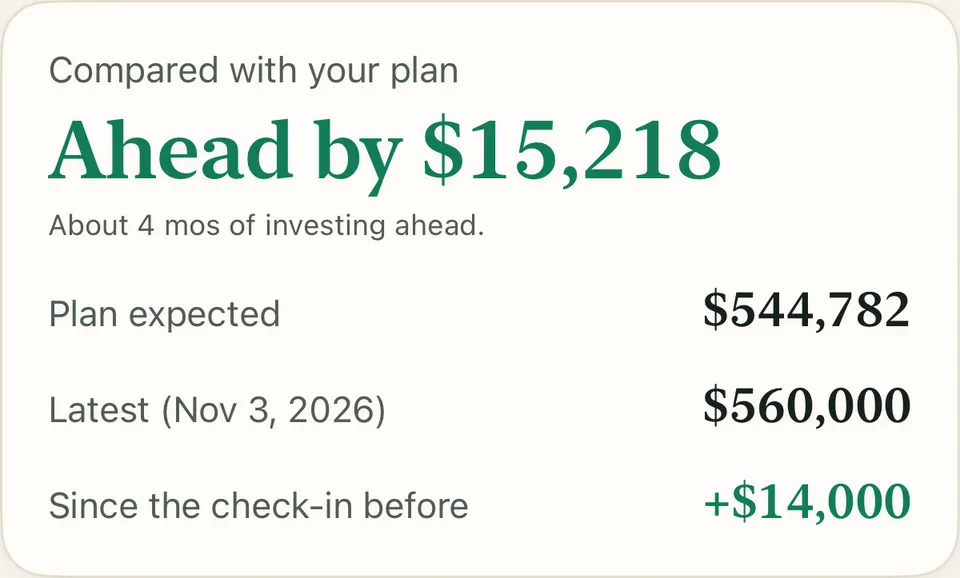
A short monthly review updates your balances, explains what changed your FI date since last time, and suggests one move. Year in Review and a history of every change show the longer story.
Share a household plan with your partner through iCloud, and both of you see and edit the same numbers. Your own plans stay private.
No account, no bank logins, no ads, and no analytics. Your plans stay on your devices and in your own iCloud. Face ID lock is there if you want it.
Share an image of your path to FI. Dollar amounts stay off unless you turn them on.
One app for both, with Home Screen and Lock Screen widgets, Control Center buttons, and Siri.
Free
Money Tools is free to download, and nothing is locked. Every tool is free. No in-app purchases, no subscription, no ads.
A complete plan, the core tools, and the monthly check-in.
The rest of the tools and as many scenarios as you like, also free.
No purchases. No subscription.
Everything works on your iPhone and iPad from the first launch, with nothing to unlock or restore.
Coming soon to the App Store
Questions
Something else? Money Tools support covers iCloud sync, Household Plans, and App Lock.
No. Money Tools never asks for bank or brokerage logins. You enter your own numbers, and you can read a balance from a screenshot of your brokerage app if that’s quicker. The screenshot is read on your device.
Yes. Every tool, unlimited scenarios, household plans, the monthly review, widgets, Siri, and iCloud sync are all included. There are no in-app purchases, no subscription, and no ads.
Your plans are stored on your device and sync through your own private iCloud account, which you can turn off. There’s no Mendia account and nothing is sent to us.
Yes. Money Tools is one app for iPhone and iPad, and iCloud sync keeps your plans the same on both.
No. Money Tools is educational planning software. It models possible paths from the numbers and assumptions you enter, and it isn’t financial, tax, investment, or legal advice.

Money Tools is with App Review now. It’ll be free to download for iPhone and iPad.
Coming soon to the App Store